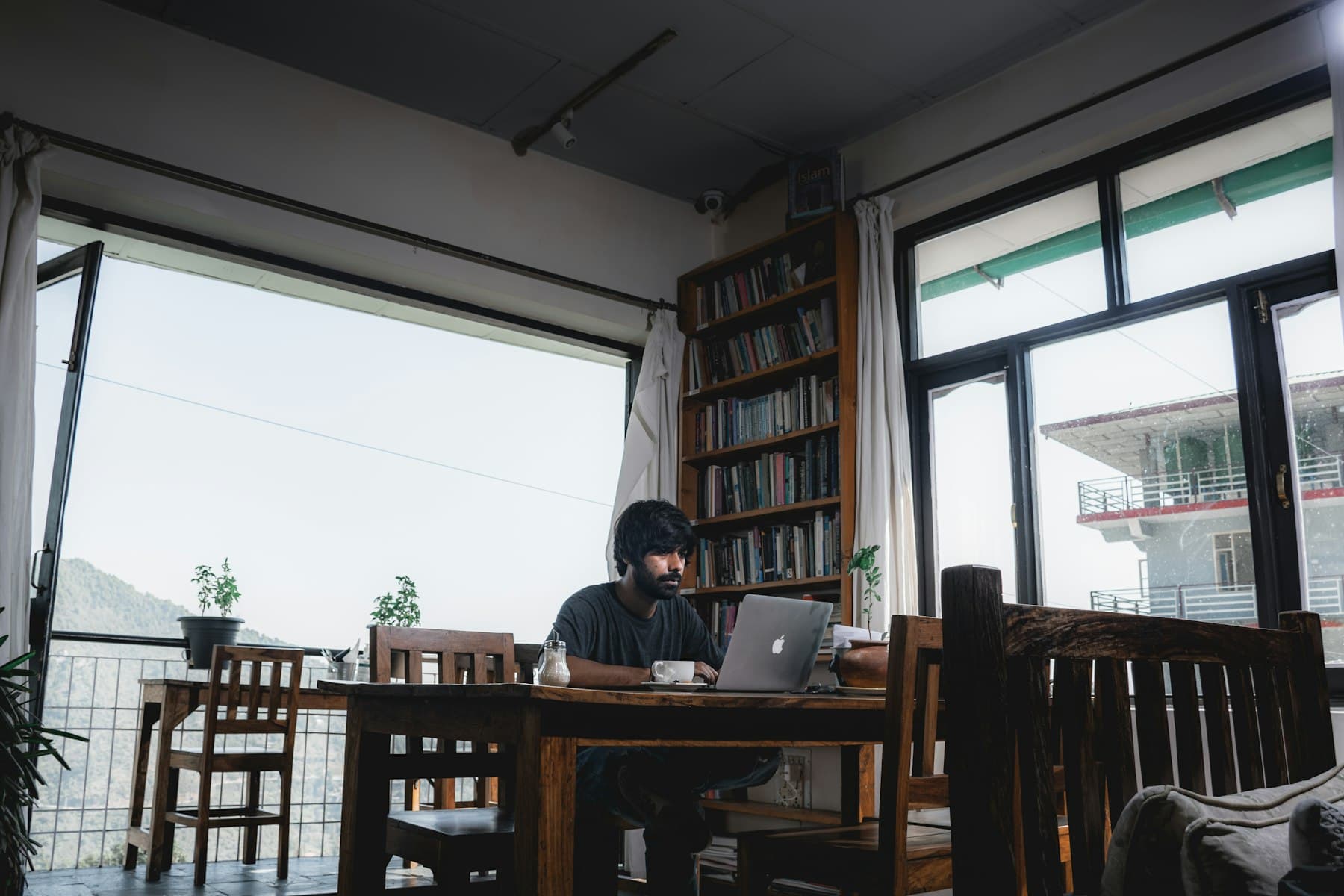
Networks you share with strangers
A coworking space or cafe puts many people on one network. With your connection encrypted, the people who run or share it cannot read your email, documents or chat.
At home, VPN Club stops your internet provider from seeing which sites and services you use through the working day.
Calls and large uploads
No plan has a data cap or speed limit, so long meetings and big uploads are fine. For calls, connect over WireGuard to a nearby server to keep the delay short.
If a call app struggles over the VPN, exclude it with split tunneling. The rest of your traffic stays protected.
If your company has its own VPN
Company rules come first. Two VPNs running at once often get in each other's way.
Split tunneling can solve this. Exclude the company VPN client or your work apps from VPN Club so they connect the way your IT team set them up, while your browser and personal apps stay on VPN Club. Ask your IT team before changing anything.
- Open Settings > Split tunneling
- Choose the option to exclude selected apps
- Add the company VPN client or work apps, then reconnect
A fixed address for allowlists
Servers, admin panels and some cloud tools only accept connections from approved IP addresses. Shared VPN addresses change, so they are a poor fit here.
Pro includes one dedicated IP, located in one of 10 countries. Have the system owner approve it once, and you can get in from home or from a trip.