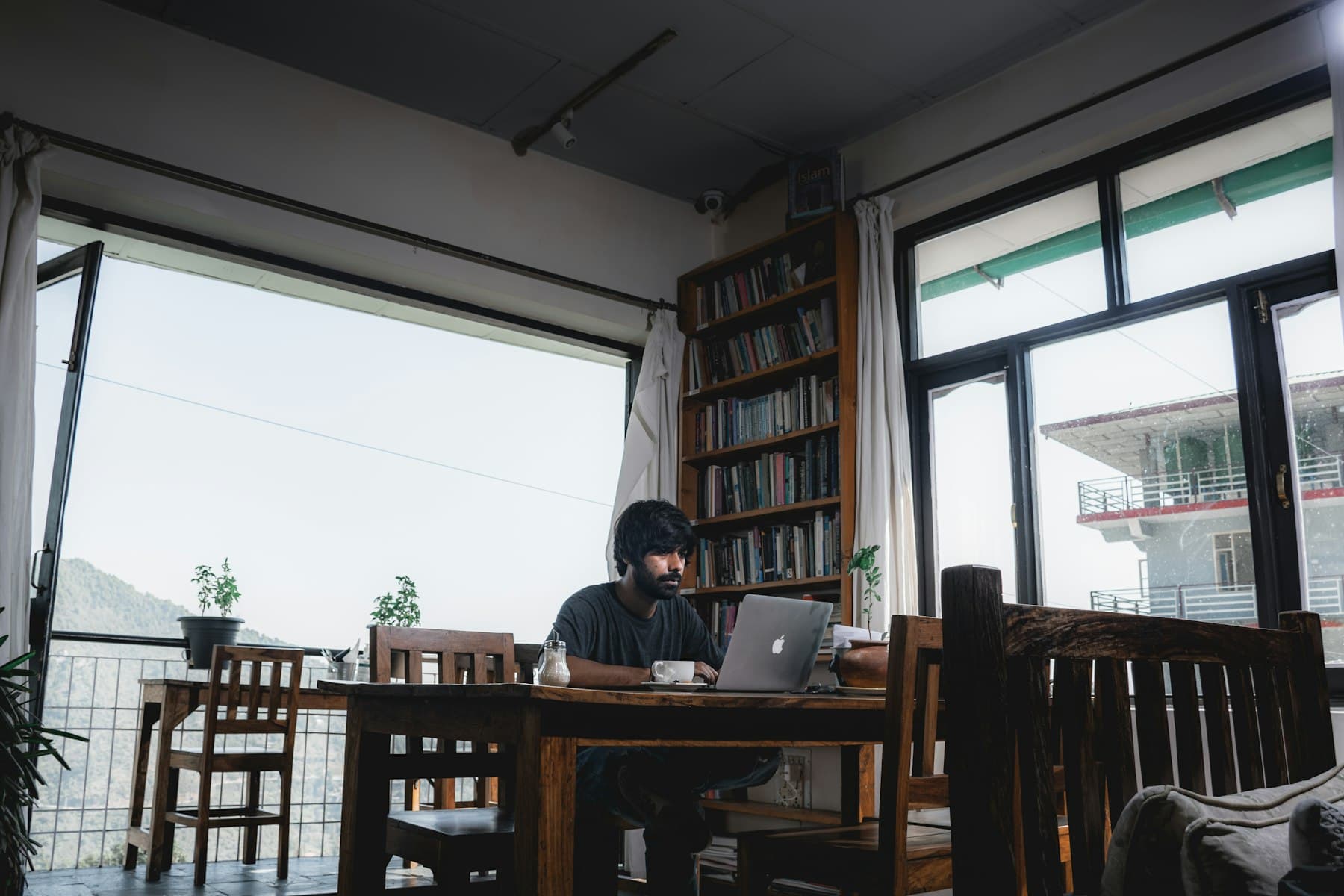
The risks of a shared hotspot
The network operator can see which sites you look up and read anything sent without encryption. On a network with no password, people nearby may be able to do the same.
Then there are fake hotspots. Anyone can create a network with a familiar name and watch the devices that join it.
What VPN Club does on these networks
While VPN Club is connected, traffic from all your apps runs through an encrypted tunnel to a VPN Club server. The Wi-Fi only sees scrambled data and the server's address.
DNS lookups travel inside the tunnel as well, to VPN Club's own DNS servers. The network has no way to list the sites you visit.
Sign-in pages first, then the VPN
Many public networks open a sign-in or terms page before they let you online. Finish that page, then connect to VPN Club. Until the network lets you through, the VPN has nothing to connect over.
A VPN protects the connection, but your accounts need their own care. Use separate passwords for important accounts, turn on two-step sign-in where it is offered, and do not click past certificate warnings you did not expect.
Settings worth turning on
Public networks drop more often. With the kill switch on, apps stay offline during a drop instead of falling back to the open Wi-Fi.
On Plus and Pro, malicious site blocking filters known phishing pages. These often arrive through fake Wi-Fi login screens and text messages.
- Settings > Connection > Kill switch: on
- Settings > Protection > Malicious site blocking: on (Plus and Pro)
- VPN will not connect? Settings > Connection > Protocol: OpenVPN TCP